Phone Number Validation
Check number validity.
Check phone-number lists for validity and activation signals, so teams catch malformed or inactive records early, clean up outreach lists and keep CRM data accurate.
Explore productCheck phone-number lists for validity and activation signals, so teams catch malformed or inactive records early, clean up outreach lists and keep CRM data accurate.
Explore productNumDetect is an asynchronous bulk phone-checking platform built for teams working across global markets: upload E.164 phone numbers from any country or region, choose one of five independent checks, and download a structured result file when the task finishes. The workflow is simple—upload a list, choose a product, confirm the quantity and quote, let the task run in the background, then use the results for list cleaning, CRM enrichment, regional analysis, audience segmentation and follow-up planning. Each task takes 1,000 to 100,000 numbers and covers one country, making it practical for international teams to split and manage large datasets by market. There is no realtime single-number lookup here—every product runs over a complete list with the same consistent workflow for teams operating across regions.
Upload a prepared phone-number list, choose the product that matches your business question, confirm the quantity and quote, then submit the task to run in the background. When it is ready, download a structured result file for number review, list cleaning, CRM enrichment, regional analysis, audience segmentation and follow-up operations—so raw phone data can move into your workflow faster.
NumDetect brings validation, activity signals and data enrichment to large phone lists, fitting into the customer-data, routing and go-to-market workflows used by global teams.
Validate, understand and enrich your phone lists. Choose the signal that answers your next business question.
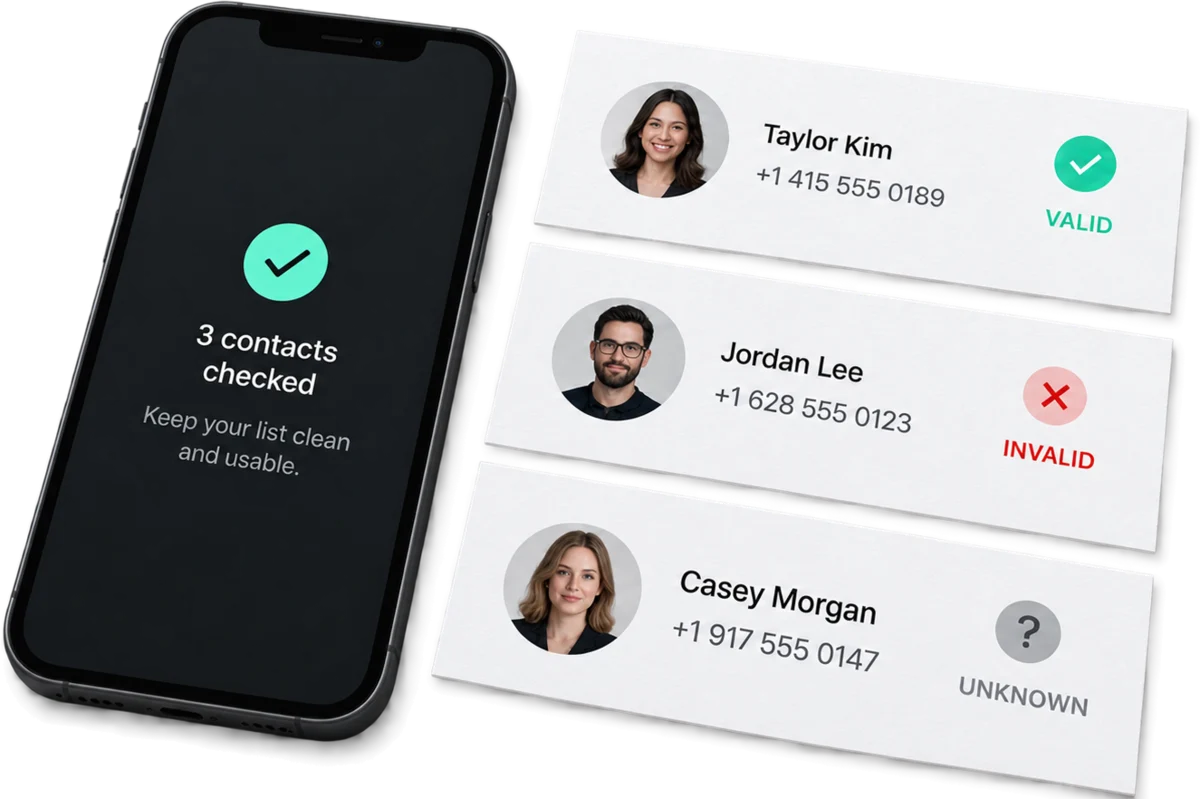
Check phone-number lists for validity and activation signals, so teams catch malformed or inactive records early, clean up outreach lists and keep CRM data accurate.
response.json{"number": "+12025550101","activated": "yes"}Identify records with an available activity signal, separating dormant users from numbers worth following up for reactivation, segmentation and outreach planning.
response.json{"number": "+12025550101","activated": "yes"}Find phone numbers with an available e-commerce activity signal, to build focused audiences, campaign segments and remarketing lists worth the team's review time.
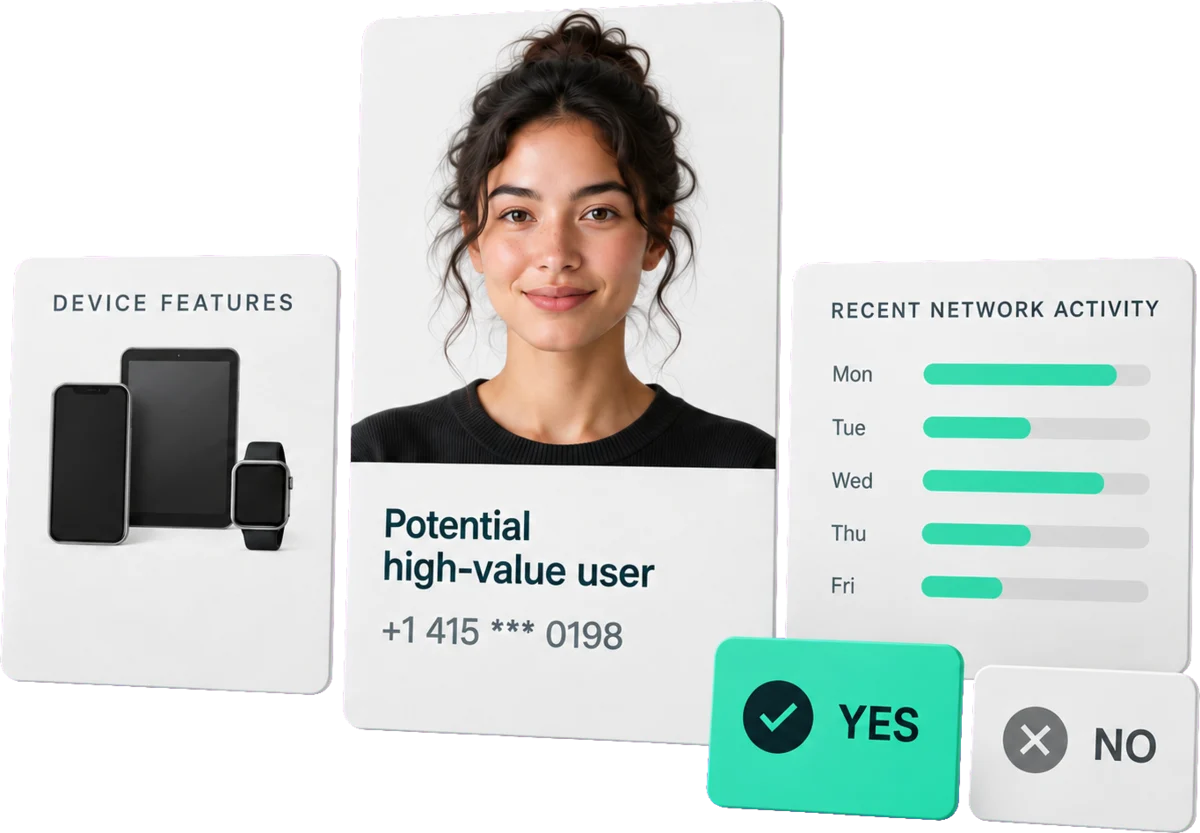
response.json{"number": "+12025550101","activated": "yes"}Spot potential high-value users from high-end device characteristics and recent network activity, so membership, service and campaign teams can prioritise follow-up.
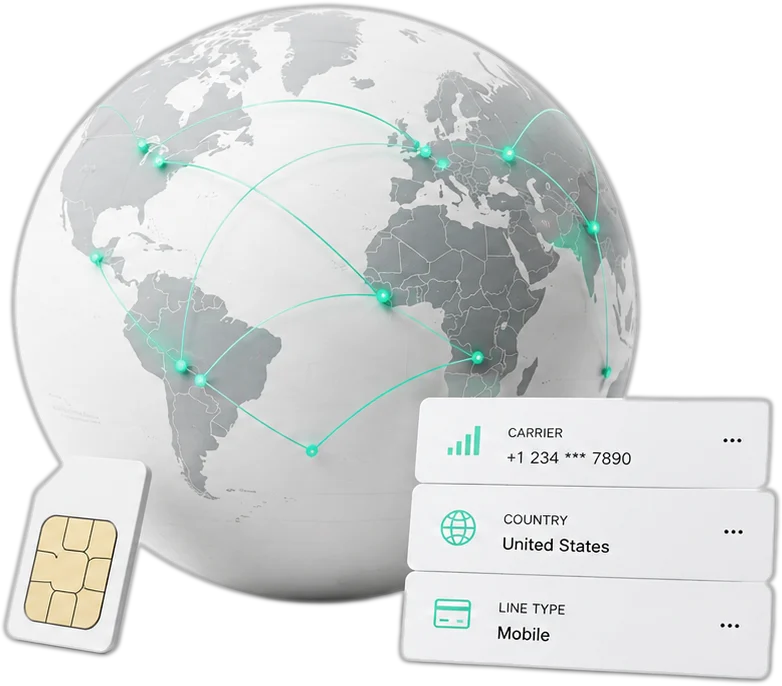
response.json{"mobile_number": "+12025550101","result": "yes"}Append carrier, underlying-carrier, line type, country, region and city to international phone lists, then enrich your CRM for routing, analysis and segmentation.
response.json{"number": "+12025550101","carrier": "T-Mobile USA","underlying_carrier": "T-Mobile USA","number_type": "mobile","country_code": "US","region": "California","city": "Los Angeles"}Create an account or sign in to manage your balance, batch tasks and generated result files in one private workspace.
Upload a .txt or .csv file with one E.164 number per line. Each task must contain one country and supports 1,000–100,000 numbers.
Select one detection service for the business question. Before creating the task, review the valid count, unit price, estimated charge and balance.
After confirmation, the task runs asynchronously. Return to the workspace at any time to see queued, processing, completed or failed status.
When the task is complete, download the product-specific result file for list cleaning, segmentation, routing or your next outreach step.
Run Phone Validation to organize records before a CRM import or campaign launch, then keep confirmed results separate from invalid or unavailable findings. This supports data-quality review; a result does not guarantee a call or message will connect.
Recommended: Phone Number ValidationExplore productDownload the result file and use the selected product's fields in your existing workflow. Keep your original source file separately.
number_activity_batch.csvIllustrative preview| number | activated |
|---|---|
| +12025550101 | yes |
| +12025550102 | no |
| +12025550103 | yes |
Read these step-by-step guides before creating a task, from file preparation and product choice to using the result file.

Format your phone list for the platform and resolve the most common upload issues before you create a task.

Know what to review before creating a task and which progress states you can follow after submission.

Understand product-specific fields and distinguish clear findings from unavailable information before using results in your workflow.
Choose permanent top-up balance for occasional tasks or a 30-day subscription for recurring list work. Every product has one price per number.
View pricingLatest guides
Practical articles on file preparation, product choice, and reading the result file.
NumDetect is an asynchronous bulk phone-checking platform. You upload a list of phone numbers in E.164 form, choose one of five independent checks, and download a result file when the task finishes. There is no realtime single-number lookup here — every product is a background task over a whole list. The five checks answer different questions about the same list: Phone Number Validation returns validity and activation signals, Number Activity and E-commerce Active return availability of an activity signal, High-Value Users returns a yes/no audience signal, and Global carrier lookup appends carrier context. Each is priced and run separately, so checking one list with two products means two tasks and two charges.
Choose by the question you need answered, not by bundle. Phone Number Validation ($0.001 per number) checks whether numbers are valid and show activation signals — use it to clean a list before outreach. Number Activity ($0.003) flags records carrying a recent activity signal, for reactivation and segmentation. E-commerce Active ($0.003) flags numbers with an observed commerce activity signal, for audience and remarketing lists. High-Value Users ($0.004) returns a yes/no signal derived from high-end device characteristics and recent network activity. Global carrier lookup ($0.001) appends carrier context for international lists, worldwide rather than a fixed set of networks. The products are independent: running two of them over one list produces two tasks.
Use a .txt or .csv with a single column, one phone number per line, in E.164 form — a plus sign, the country code, then the subscriber number, with no spaces or separators. Each task takes 1,000 to 100,000 numbers and covers one country: you select that country at upload, it completes any number submitted without a country code, and the file is validated against it. A file below 1,000 numbers is declined at upload and nothing is charged; split anything above 100,000 into several tasks. Keep your original spreadsheet locally — the result file carries the product's own columns, not arbitrary columns from your source.
Tasks run in the background, so you submit and come back rather than waiting on an open request. Duration depends on the product and the size of the list; the task page shows the current status and an estimated ready time. When the task finishes you download a result file containing the columns that product declares — for example Phone Number Validation returns number and activated, while Global carrier lookup returns number, carrier, underlying-carrier, line type, country, region and city. The column set does not change when the upstream has nothing for a row: the same columns come back empty rather than missing, so your parser sees a stable shape on every run.
Each product has one price per number, from $0.001 for Phone Number Validation to $0.004 for High-Value Users. Pay-as-you-go and subscription users pay the same rate. When you submit a task the estimated cost is held against your balance; on settlement the part the check could not answer is returned, so you pay for the numbers that actually came back. Each task takes 1,000 to 100,000 numbers — a file below that minimum is declined at upload and nothing is charged. Permanent balance does not expire or renew; a 30-day plan renews automatically every 30 days until auto-renewal is turned off, which stops future charges without removing the current plan or balance.
An empty field means the check could not answer for that number — it is not a negative answer and not proof that the number is invalid or inactive. The upstream data sources publish what they publish; absence of a signal is absence of evidence, not evidence of absence. Treat empty rows as unknown and decide separately whether to exclude them. Results also describe what the sources show at the time of the run, so re-run the list when a current answer matters. Task-level problems are reported separately from row-level emptiness: if a file fails the precheck the task is declined before any charge, and the message says why.
Sign in, upload your phone list, review the server quote and track processing in the background.
Create a task