
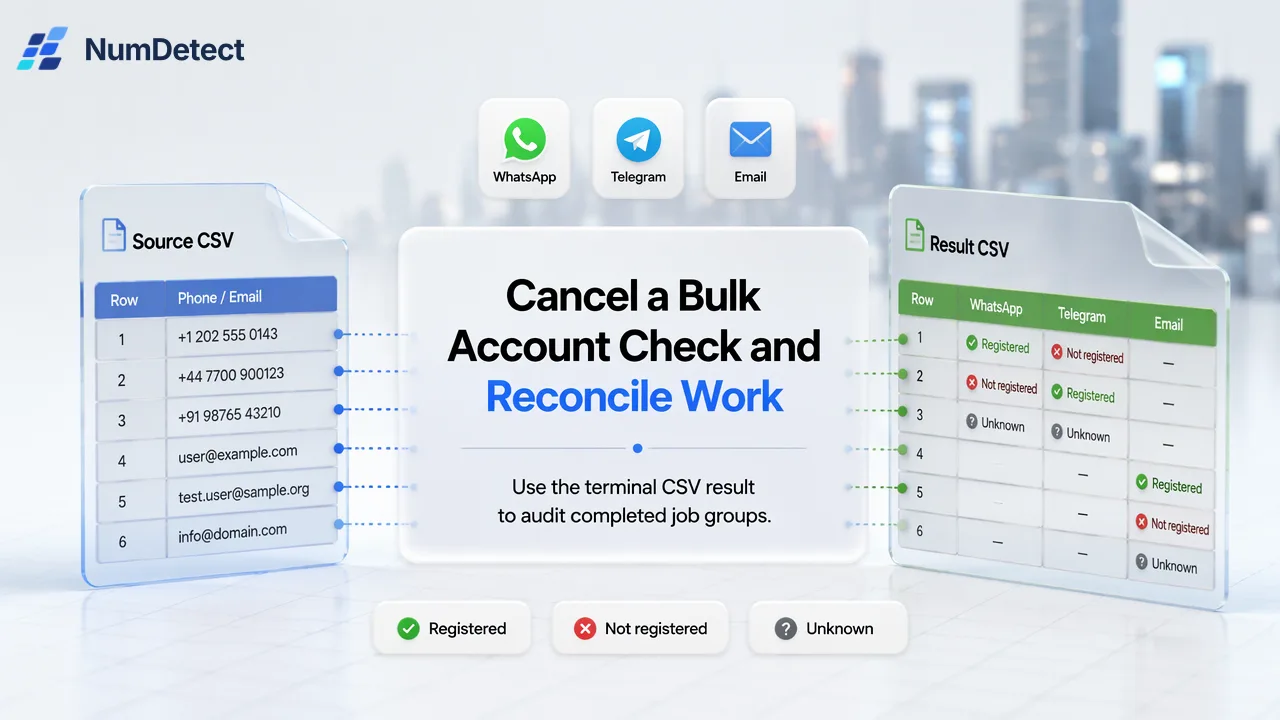
Stop pending NumDetect bulk groups, wait for final status, retain completed answers, and reconcile charges before a selective retry.
Cancellation stops pending bulk work, while completed or dispatched groups still need a final result and charge reconciliation.
After requesting cancellation of a NumDetect bulk job, keep the job ID, wait for a terminal status, download any ready result, and reconcile rows and country-by-product groups. Cancellation stops pending groups; it does not erase completed answers or undo charges for groups that finished.
Stop the pending work and preserve the job reference
A mistaken file or product choice is easiest to handle before more work is dispatched. Save the bulk job ID and the submitted file version, then use the documented documented bulk-job cancellation action. The NumDetect API guide says cancellation stops countries not yet checked and returns their held amount. The more precise product boundary is pending groups: already dispatched groups may still finish. Do not treat the cancel response as a rollback or delete the source file.
Tell the team why the job was stopped: wrong column, stale list, incorrect product selection or changed authorization. Freeze any automated downstream import for this job until its final state is known. If the original upload was a CSV, retain its row IDs and all original columns. A later reconciliation needs to distinguish a row that was checked before cancellation from one that never received a conclusive result.
Other bulk-job systems also warn that cancellation can leave completed work in place (Axinom); their statuses and billing rules do not define NumDetect’s behavior. Use the NumDetect job as the source of truth.
Wait for the terminal job and inspect each group
Read the documented bulk-job status endpoint until the job reports completed, failed or cancelled. A status still running means the stop request has not settled every group. NumDetect groups phone work by country and product; email work is grouped by product. A group that was already dispatched can complete after the operator requested cancellation, while a pending group may be cancelled. Therefore, “cancelled job” and “no useful answers” are not synonyms.
Record which country-product groups completed, failed or were cancelled. A completed group can include yes, no and unknown row outcomes. Unknown is an unresolved answer, not a free or negative one. This group-level view explains why a stopped job may have both usable results and released reserved funds. Do not restart the entire original file simply because one group did not finish; that can duplicate completed work and costs.
If the job indicates result_ready, request a download URL through the documented bulk-job result endpoint. The documented link lasts ten minutes; request a fresh one if it expires. Download the result only after it is ready, store it with the source file and job ID, and retain the terminal job status for the audit trail.
Reconcile the final CSV back to the retained source
The NumDetect result CSV preserves original rows and columns in their original order and adds numdetect_status, numdetect_country and product columns. Join it to the retained source file using the team’s own stable row identifier and compare row counts. Mark valid, duplicate and invalid source-row status separately from each selected product’s yes, no, unknown, unsupported, failed or cancelled outcome. A row-level unknown should not be converted to no when the business prepares a follow-up list.
For the operator’s stop report, summarize four items: the original requested scope, groups completed before or during cancellation, groups cancelled or failed, and rows requiring a deliberate next run. Keep the completed answers as dated observations. A retry list should contain only the unresolved eligible source rows and the exact products that still need checking, after fixing the original mistake. Review country and product selection again before creating a new bulk request and new Idempotency-Key; the old key belongs to the original creation operation.
This is a cancellation-specific review. A general CSV import guide may explain every outcome column, but the urgent question here is what the stop action left unfinished and what must not be rerun.
Reconcile charges before approving a new run
Bulk submission reserves an amount by group. Under NumDetect’s documented rule, a completed group is charged in full, including unknown results. Failed or successfully cancelled groups release their held amount; already completed groups remain charged. Review the final job and balance history against that rule. Do not estimate a refund by counting only yes and no rows, and do not assume a completed all-unknown group is free.
A concise operator note can say: “Cancellation requested for job X; these groups completed; these groups were cancelled or failed; these rows remain unresolved; final charge and release checked against the job record; the next run requires approval.” It lets a teammate decide whether to correct the input, run only selected unresolved groups, or leave them alone.
Before authorizing that next run, show the corrected scope and cost control to the owner. The first cancellation should leave a clear final state, preserved evidence and a deliberate retry decision, not a second large job launched from uncertainty.
Learn More
Choose the product information that fits the next step in your workflow.
Sources
Prepared from NumDetect product documentation and the cited sources.