
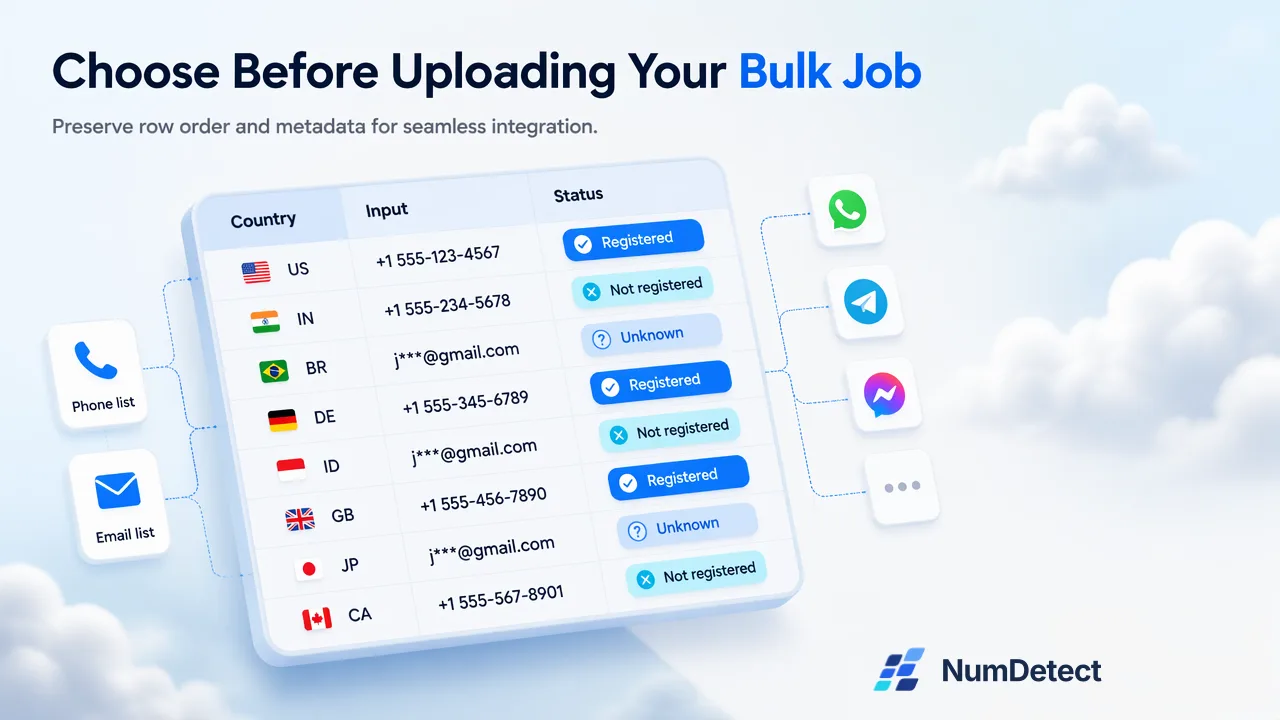
Choose a NumDetect single check or bulk job by input, result handoff and pricing, with practical checks for mixed-country phone lists.
Choose a NumDetect single check or bulk job by input, result handoff and pricing, with practical checks for mixed-country phone lists.
Use a single account check when you need an answer for one supplied phone number or email address in the same response. Use a bulk job when you have a list to process and need progress tracking and a downloadable result. Compare the current prices and bulk minimums before choosing by list size alone.
Start with the input already on your desk
An operator is checking one customer’s supplied phone number before choosing which account signal to record in the CRM. Elsewhere, a colleague has a recurring export containing phone numbers from several countries. Both need account checks, but the work after the answer arrives is different.
NumDetect supports both approaches. Our current catalogue has 19 account-check products: 14 for phone numbers and five for email addresses. Every product supports single checks and bulk uploads. Keep phone and email inputs separate, and select the products that answer the actual question you have.
Use a single check for a decision about one supplied input
A single check accepts one phone number or one email address with one or more selected products. The response returns the normalized input and individual product results. This is a natural fit when an operator or application is already working with one record and can use the answer immediately.
A successful single-check result is true or false for the selected product. Unknown and failed results remain null, so your next step needs room for an inconclusive answer. Single checks charge only conclusive answers at the real-time price; unknown and failed answers are free.
Choose a bulk job when the file is the handoff
For a recurring phone list, a bulk job keeps the processing and the returned file together. NumDetect supports mixed-country phone lists, groups the work by country and product, and provides progress information while the job runs.
The result CSV preserves the original rows and columns in their original order and adds status, country and selected-product columns. That makes it useful when the next person needs the original reference beside each answer. Retain your own row identifiers when preparing the file so the results can be matched to the right records in your workflow.
Product columns can contain yes, no, unknown, unsupported, failed or cancelled. Preserve those differences when importing the file into your own system. An unsupported group needs a different response from a completed negative answer; unknown does not mean not registered.
Review a mixed-country file before confirming the job
First check what each column contains and which column should be read. Use international prefixes where possible, especially when several countries share the file. A default country can help interpret phone numbers without a country code; it should not erase the country information already supplied in international numbers.
Then review the valid unique rows, duplicate handling and expected groups. Duplicate and invalid rows do not increase the valid unique count used for the bulk calculation. However, each supported group has its own product minimum billable quantity. A small group can still be accepted while being billed at that minimum.
Finally, check the estimated cost and the amount you are willing to authorize. For an API integration, the current bulk request uses max_cost to bound the cost; a job exceeding that amount or the available balance is rejected without a charge. The current developer documentation describes this workflow. Use that contract rather than an old sample from a previous integration.
Review selected-product coverage in the current catalogue, and compare real-time prices, bulk prices and minimums on our pricing page. Coverage can differ by country and product.
Compare the billing model as well as the unit price
Bulk billing differs from single-check billing. For a supported bulk group, the reserved amount is the greater of valid unique rows and the product’s bulk minimum, multiplied by the bulk unit price. Phone groups are country-by-product groups; email groups are per product.
A completed bulk group is charged its full reserved amount, including unknown results. Failed or successfully cancelled groups release their reserved amount. Completed groups in the same job remain charged. This means a small sample of single checks can help you understand the result format, but its charges do not predict bulk settlement by simply multiplying the sample total.
Cancellation applies to pending work; it should not be treated as a way to undo groups already dispatched. Confirm the input and selected products before starting, when changing the scope is still straightforward.
Choose the result your next step can use
A single lookup is the practical choice when the next step concerns one supplied record and needs the selected account answer in the same response. A bulk job fits when the next step begins with a processed list, a progress view and a CSV someone can continue working with.
Whichever route you choose, the result describes the selected account signal at check time. It does not establish identity, consent, recent activity or message delivery. Keep your contact permissions and any consequential decisions separate from the account signal.
Take the next actual input you need to process, select only the relevant products, and compare the current cost for that task. That gives you a workflow choice grounded in the work on your desk, with an output the next person or application can use.
Learn More
Choose the product information that fits the next step in your workflow.
Sources
Prepared from NumDetect product documentation and the cited sources.